Gym administration shouldn’t depend on being at the front desk. Cloud based fitness software lets you manage core operations online, including memberships, billing, class schedules, and attendance, so your team can access key information remotely. It can also bring check-ins, payments, membership st...
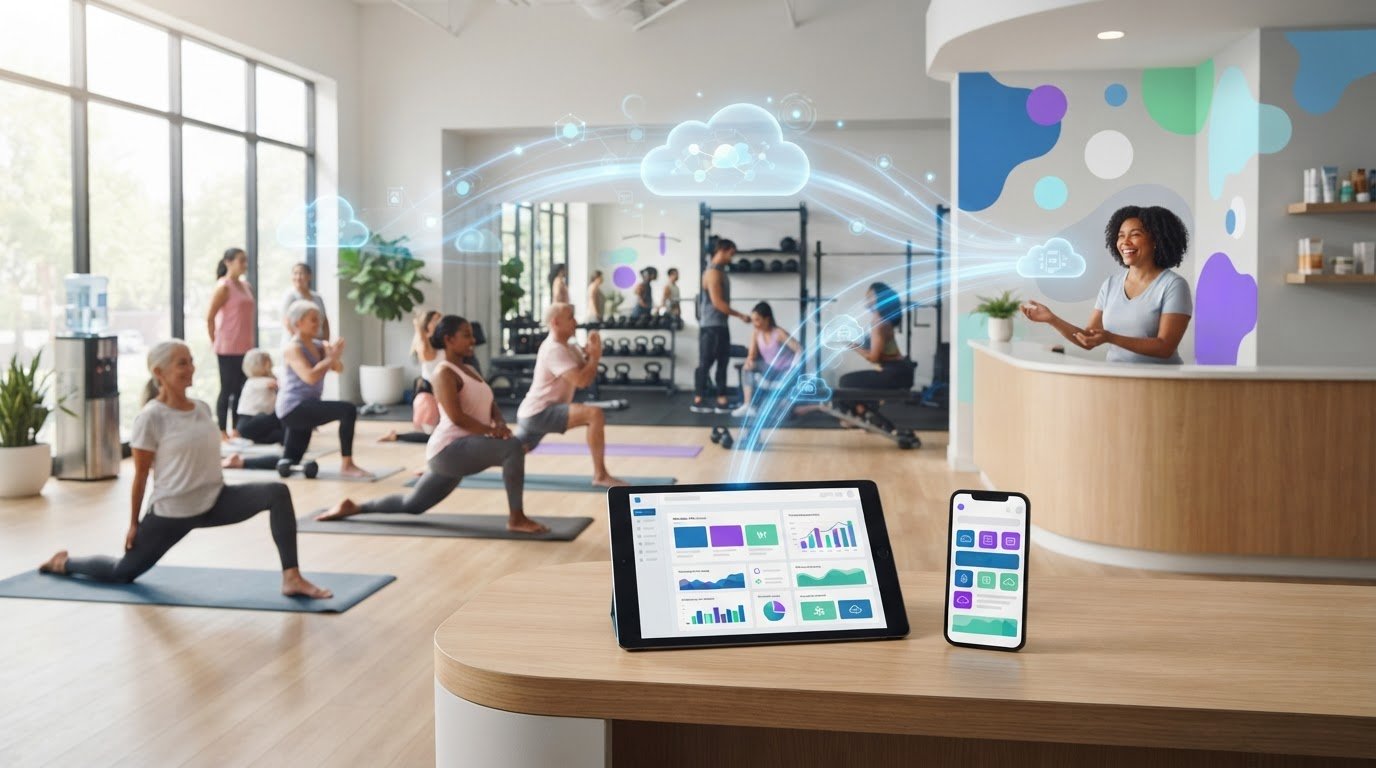
Gym administration shouldn’t depend on being at the front desk. Cloud based fitness software lets you manage core operations online, including memberships, billing, class schedules, and attendance, so your team can access key information remotely. It can also bring check-ins, payments, membership status, and income records together.
Reliable billing and smooth member access are essential. The challenge is keeping both on track without adding manual work. A well-organized system brings routine tasks into one place, so you spend less time reconciling records and more time supporting members.
This guide explains how cloud tools can support consistent classes across trainers and locations, remote management, billing, and member service. You’ll learn what to consider when choosing software, how connected records stay aligned, and how to handle member information thoughtfully. Whether you run a fitness studio or a larger gym, the goal is to make daily operations easier for your team and members.
• Use shared workout plans and member logins to keep sessions consistent across trainers and locations.
• Choose online management tools that let you handle day-to-day gym tasks without relying on a local computer.
• Automate recurring billing and payment records to reduce manual follow-up and spot outstanding balances.
• Map repetitive admin tasks before automating them, so changes improve the member experience as well as staff workflows.
• Protect synchronized member information with encryption and regular backups, and understand the privacy rules that apply to your business.
Members should recognize the same coaching standards whether they join in person or remotely. Cloud-based fitness software can give trainers a shared place to manage workout plans, class details, and member records. For example, a HIIT studio can keep the class format consistent across locations while trainers adapt coaching cues to the people in each room. Shared information makes handovers clearer and reduces reliance on scattered notes.
Virtual sessions offer another way to deliver training. With individual member logins, studios can connect remote participation with the right account. For live online classes, publish the session details, share access instructions with enrolled members, and record attendance afterward. Trainers can follow a shared plan while responding to members in real time.
Pre-recorded workout libraries serve a different purpose. Members can follow a recorded class on their own schedule, while live remote training lets a trainer demonstrate movements and answer questions. Use recordings for repeatable basics, such as warm-ups, and live classes when members need direct coaching. Choose the format that fits the workout.
Personal training also benefits from a consistent workflow. Trainers can record a member’s goals, planned exercises, and progress, then use those notes to guide the next session. Attendance records can help trainers spot changing patterns and identify members who may need support. For example, a trainer could review a plan after noticing a member has missed several scheduled sessions.
Consistency doesn’t mean giving every member the same plan. Use shared class objectives and coaching standards, then tailor exercises, intensity, and progressions to individual needs. A strength session might follow the same sequence across trainers, with options adjusted for beginners and experienced participants. Clear plans support continuity without losing the personal side of coaching.
Start by listing the formats your studio offers, such as group classes, personal training, and virtual sessions. Define what trainers should record after each session, including attendance, completed activities, and progress notes. Fitness and HIIT studios can use this approach to align classes and personal training across the team. Consistent delivery gives members a familiar experience, while thoughtful personalization can support retention.
For U.S. gyms, the best platform is one that connects membership status, attendance, and entry permissions in one online workflow. Cloud systems run over the internet, so staff can manage gym operations without installing the software on local computers.
Access control links a member’s account to the gym’s entry process. Systems can work with biometric controls, turnstiles, QR code readers, or facial recognition. Before selecting a setup, map the entry method members will use and identify how the system checks active membership and payment status.
For example, a QR reader can scan a member’s code, while management software checks whether that member is active, up to date on payments, and allowed to enter. Check-ins can then feed attendance records, helping staff review visit frequency, member behavior, and retention patterns. These records can also help teams spot members whose visits have changed.
Cloud-based systems can make those checks available remotely, but the entry hardware still needs to work with the software. Compare the access method, the membership information it uses, and the attendance details staff can review. For gyms open around the clock, 24-hour access systems have increased memberships by 10 to 20 percent in most cases, according to market research. That figure describes reported results, not a guaranteed outcome for every facility.
Compared with on-premises software, cloud management makes operational information accessible remotely and avoids local installation. On-premises systems run on local equipment, so remote access depends on how they are configured. Choose based on where staff need access and how your gym manages entry and attendance.
A mobile app can put a member’s account and class information within reach, while staff can use mobile access to manage tasks away from a desk. Check which operating systems an app supports rather than assuming it works across devices. For example, one fitness service described in a project supported Android only, illustrating why compatibility matters.
For a gym with members on both Android and other mobile platforms, compare what each app supports. Review how members view sessions, access workout plans, and check in. Then consider what staff can manage through the platform remotely. A member who checks a class schedule on a phone and a coach who reviews attendance are two distinct mobile use cases.
To choose and implement software, list your must-have tasks first: membership checks, attendance, remote management, and mobile access. Next, map the current check-in process, entry hardware, and devices members use. Configure the platform around those workflows, then test a complete member journey, from account validation through entry and attendance recording. This reveals gaps before the system becomes part of daily operations.
How does cloud-based fitness software handle memberships, class bookings, and payments? It connects member accounts with membership status, reservations, and payment records, so staff can follow each transaction in one workflow. When a member books a class, the system can link the reservation to the correct account.
Payment automation can replace separate spreadsheets and manual status checks. Cloud gym management software can bring check-ins, payments, membership status, and income information together. For example, a completed payment can update a member’s account, while an unpaid balance remains visible for follow-up. Staff can review attendance and payment records without entering the same details several times.
Useful billing records go beyond successful payments. Gym data tools can track member payments, credit card information, outstanding payments, and outdated contact information. Use these fields to create a clear follow-up process: review balances, identify the account owner, then record the outcome. Keep contact details current so reminders reach the right member.
Review payment security separately from day-to-day billing features. A fitness app developed for a specific project followed ISO and PCI DSS standards for secure payments. That example does not establish a universal certification for every platform. Before choosing software, understand how it handles payment information and which standards apply to its payment process.
Billing records can provide context for class participation. For example, a studio can compare attendance with membership status to see whether members are using the sessions included in their plans. Grouping members by class or program can help staff notice participation patterns. Keep categories practical, such as a beginner group or cycling class, and avoid collecting details nobody uses.
Progress tracking adds another view of engagement. Fitness data tools can track workout patterns, progress, diet, and which members are most or least active. A trainer might review attendance alongside a member’s recorded workout progress before updating a plan. Activity records should support coaching, not replace it. Choose measures relevant to the member’s goals, and explain how those records inform their training.
Handle health-related information carefully. Keep progress notes separate from payment and booking records, and limit staff access to what they need for their roles. A coach may need workout notes to prepare a session, while billing staff need payment status. Activity information from a device should be used only when the system supports the connection and the member chooses to use it.
When assessing a system, trace one member journey from membership setup through booking, payment, attendance, and progress review. Check that each step updates the right record and gives staff a clear next action. This walkthrough shows whether automation reduces duplicate entry and keeps billing and coaching information organized.

Automation works best when it removes repetitive tasks without making service feel impersonal. Map routine operations, identify manual steps, and connect tasks that benefit from shared information. For example, a member’s booking can help update attendance records and guide staff follow-up.
Management software should fit a studio’s actual workflows. Your team might prioritize class administration, member communication, or staff tasks. Before changing processes, document the current journey from booking to check-in. Then decide which steps to automate and where staff should remain involved.
Hands-on implementation of gym management software can reduce operational time by up to 50%, according to the market research in this article. Results depend on putting the system into everyday use, not simply switching it on. Start with a repeatable task, such as recording attendance, and train staff to follow the same workflow.
A custom fitness app can help members track their fitness journeys, receive workout notifications, and check in around the clock. A branded app can bring those member-facing functions into an experience associated with your gym. For example, notifications can remind a member about an upcoming workout, while check-in supports access outside staffed hours.
Personalized service can also draw on member activity. Gym data tools can analyze member information and generate personalized special offers and discounts. A studio could use participation patterns to shape a relevant offer for members who have stopped attending a particular class. Keep the offer connected to a clear member need, rather than sending generic promotions.
If you use AI assistance, define its role in the service journey. For example, an AI tool might answer routine questions about class schedules, while staff handle account concerns or personal training needs. Set boundaries for its answers and give members a clear way to reach a person when a question needs judgment or context.
To assess an advanced automation setup, test a member journey from notification to booking, workout, and check-in. Confirm that each automated step has an owner and a useful fallback. If a notification doesn’t reach someone, staff still need a way to communicate; if an entry record needs correction, the process should make that clear.
Choose automation based on its effect on operations and the member experience. List tasks that repeatedly take staff time, identify the information each one needs, and prioritize a workflow with a visible outcome. A focused rollout helps your team assess whether connected tools reduce administration while keeping member support personal.
Real-time synchronization keeps a studio’s connected records aligned as staff and members use them. For example, when a member checks in, the attendance record can update alongside membership information. This helps staff work from a consistent view instead of reconciling separate files later.
Connected records can streamline everyday tasks. A trainer might review attendance before planning a class, while an administrator checks the same member’s account details. Decide which updates should appear across systems, such as bookings, check-ins, or payment status. Then test a member journey and confirm each relevant record reflects the change.
Does cloud-based fitness software integrate with accounting, marketing, and wearable apps? Integrations depend on the platform’s supported connections and the data each app can share. Accounting tools may receive payment records, marketing systems may use approved member details, and a wearable app may share activity data when supported.
Before connecting an app, define its purpose and data flow. Identify which system owns each record, what information moves, and who can access it. A studio might send transaction details to accounting while keeping workout notes in its fitness system. Clear boundaries help prevent duplicate records and unnecessary sharing.
The European Union’s General Data Protection Regulation (GDPR) sets requirements for handling personal data. Fitness businesses serving people covered by GDPR should understand how their data practices meet those requirements. Map the personal information collected, why it is used, and which connected services receive it.
For client data security, use encryption and regular backups to help protect information stored in the cloud. Also review account permissions, staff access, and the process for correcting a mistaken record. For example, limit payment details to the staff who need them, while trainers access information relevant to coaching.
Review app security as carefully as the management platform. Check how member logins work, what activity data the app collects, and how information moves between services. Any wearable connection should have a clear purpose and access boundary. Avoid treating every available data stream as necessary for coaching.
To assess synchronization, test a booking, check-in, and payment update across the systems your studio uses. Confirm each change appears in the intended record, then review access controls and backup practices. This practical walkthrough shows whether connected tools create a seamless workflow while keeping member information organized and protected.
The fitness service’s mobile clients communicate with the WebAPI service to retrieve database data. To check synchronization, trace a request from the mobile client to the WebAPI service and confirm the expected data appears in the relevant view. Repeat the check after a member-facing change and note any mismatch for review. This helps staff assess whether records remain consistent during routine use and identify where follow-up may be needed.
StudioBookings helps yoga studios manage classes, memberships, payments, and staff from one cloud-based dashboard. It’s a practical option for bringing everyday studio administration together instead of juggling separate tools.
StudioBookings also supports Pilates and Barre, Fitness and HIIT, Pole and Dance, and other studio types. Use the dashboard to schedule classes, manage memberships, process payments, and coordinate staff. You can explore the platform with a free trial before deciding whether it fits your workflow.
If you’re ready to simplify studio management, visit studiobookings.com to learn more.
Turn your priorities into a simple decision checklist. Identify the daily tasks you want to bring together, what your team needs to access remotely, and how members should interact with your studio. Use the checklist to assess how cloud based fitness software fits your workflow, rather than choosing by feature count alone.
StudioBookings offers software for yoga, Pilates and Barre, and Fitness and HIIT studios. Its cloud-based platform brings class scheduling, memberships, payments, and staff management into one dashboard. If you run one of these studios and want a more connected way to manage operations, explore how the platform fits your needs.
Start a conversation about your studio’s priorities and the workflow you want to improve. Contact StudioBookings to discuss your needs. A clear next step can help you build a smoother experience for your team and members.
Cloud-based fitness software is an online application that studio teams access through a browser or mobile app. Rather than running the working system on a local computer, the hosted platform lets authorized users sign in from connected devices. For example, a manager can update a class schedule from a laptop while front-desk staff view the current schedule.
Start with the tasks your team handles most, then compare software against those workflows. Look for class and membership management, payment processing, staff permissions, and useful reporting. A studio running several class formats may also need clear instructor assignments and organized member records. Prioritize features your staff will use regularly, not a long list that doesn’t match daily operations.
Key risks include unauthorized account access, excessive staff permissions, exposed personal information, and backups that can’t be restored. Use unique logins, limit access by role, and protect stored data with encryption and regular backups. Test the recovery process, not just whether backups exist. The European Union’s GDPR sets requirements for handling personal data, so businesses should account for applicable privacy obligations when deciding what information to collect and retain.
The best platform connects membership status, attendance, and entry permissions in one online workflow, with remote access and access hardware that works with the software.